2026-10-17 · William Kennedy
Private AI Models on a Rented GPU: What It Costs a Business
When a rented private GPU beats public AI APIs or on-prem hardware: real DigitalOcean GPU pricing turned into monthly scenarios, the powered-off billing trap, and the controls a pilot needs.
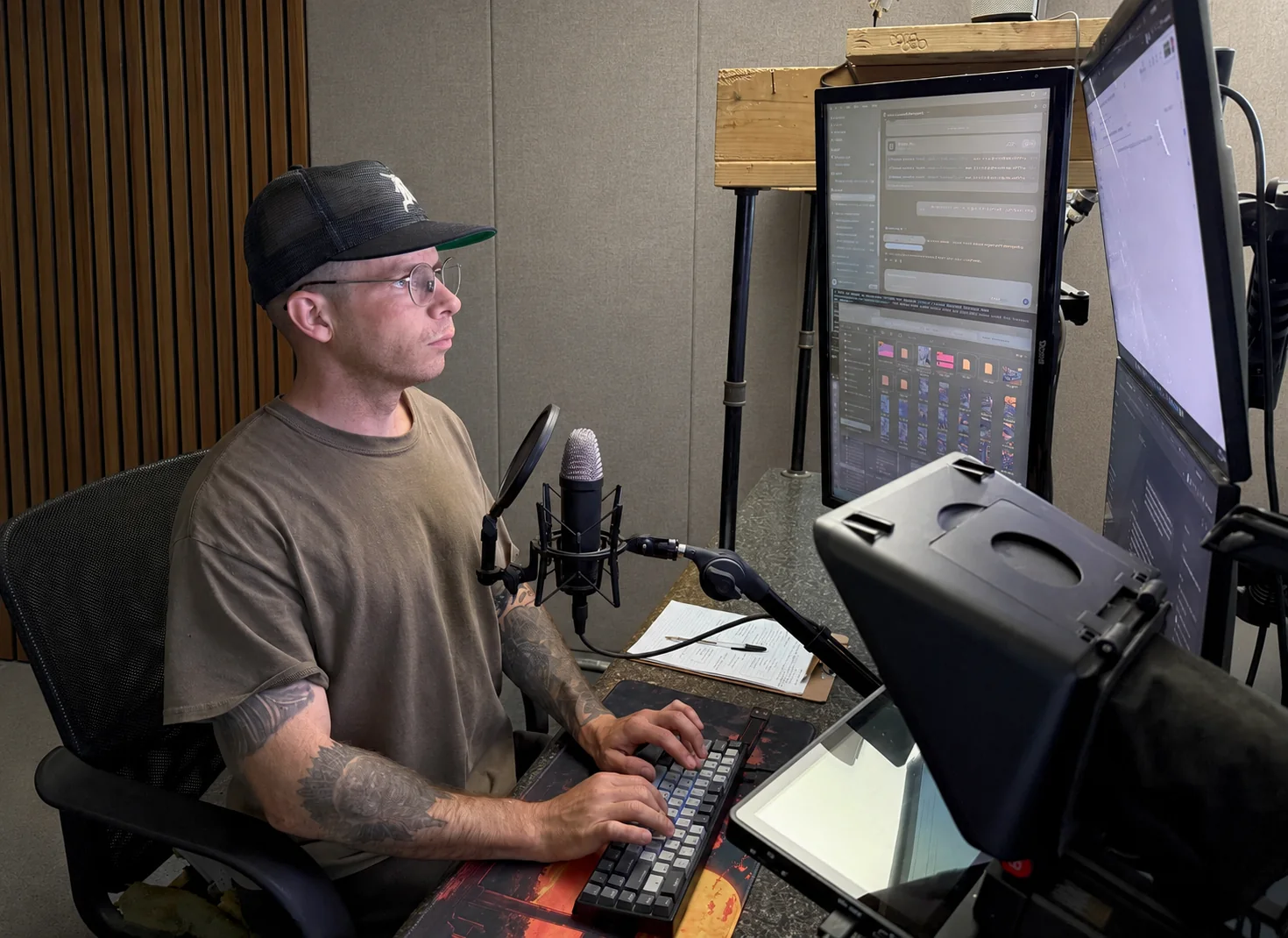
Most regional businesses evaluating AI end up choosing among three options: send data to a public AI API, buy a GPU server for the office, or rent a private GPU in the cloud. The third option is the least understood, and for pilots it's often the right one.
A rented GPU lets you run an open model, such as a Qwen, Llama, or Mistral family model served with Ollama, on infrastructure that belongs to your project rather than to an AI vendor's shared service. You pay by the hour, and you can shut it down the day the pilot ends.
The three deployment options
| Option | Where data goes | Cost shape | Best for |
|---|---|---|---|
| Public AI API | The vendor's service, under their terms | Per token or seat | Low-sensitivity work and fast prototypes |
| Rented private GPU | A server you control in a chosen region | Per hour while running | Pilots, batch jobs, sensitive-but-cloud-approved data |
| On-premises GPU | Never leaves the building | Upfront hardware plus power and upkeep | Regulated or air-gapped data and constant workloads |
No option is "the secure one" by default. A rented GPU with an open port is less safe than a well-governed API contract. The deployment model only helps when access control, logging, and data handling are designed in. We cover that layer in private AI architecture: on-prem vs VPC.
What a rented GPU actually costs
DigitalOcean is a useful reference because it publishes flat GPU Droplet prices. As of October 2026, its on-demand single-GPU options include an NVIDIA RTX 4000 Ada (20 GB) at $0.76 per hour, an RTX 6000 Ada or L40S (48 GB) at $1.57 per hour, and an NVIDIA H100 (80 GB) at $4.41 per hour, billed per second with a five-minute minimum.
Translate that into business terms with three scenarios. These are arithmetic examples, not quotes:
- Batch document job: a 48 GB card running 3 hours a week to classify and extract invoices costs about $4.71 a week, or roughly $20 a month.
- Business-hours assistant: the same card running 8 hours a day for 22 workdays is 176 hours, or about $276 a month.
- Always on: 672 hours a month is about $1,055. At that point, owned hardware or a negotiated reserved plan deserves a serious look.
The pattern is consistent: rented GPUs win on intermittent workloads and lose on constant ones. Most first pilots are intermittent.
The billing detail finance should know
DigitalOcean's pricing FAQ states that a powered-off GPU Droplet is still billed, because its resources stay reserved. Charges stop only when the server is destroyed. A pilot plan should therefore name an owner for teardown, set a billing alert, and keep data and configuration outside the server so destroying it is routine rather than risky.
Where a private rented GPU fits a pilot
For a four-week AI pilot, a rented GPU gives you a private model environment on day one without a hardware purchase order. It also keeps the decision honest: by week four you have measured usage, so the conversation about buying hardware, reserving capacity, or moving to an API is grounded in real hours instead of guesses.
Controls that make it production-grade
- No public model port. Access through SSH tunnels or an authenticating gateway, never an open API.
- Role-based access. Retrieval must respect who is allowed to see which documents. See RBAC for AI retrieval.
- Audit logs. Record who asked what, which documents were used, and what the system did. See auditing AI systems.
- Data residency. Choose the region deliberately and document it.
- Model independence. Open models can be swapped without rewriting the workflow. See why model independence matters.
How NEPA AI uses this
When a Northeast Pennsylvania business needs a private model but isn't ready to buy hardware, we stand up a rented GPU for the pilot, connect it to the real workflow behind access controls, and measure hours, accuracy, and exception rates. If the numbers justify a permanent setup, we recommend the cheapest option that meets the data rules, whether that's reserved cloud capacity, on-prem hardware, or a governed API.
New to self-hosted models? Start with our Ollama setup guide and the local LLMs vs cloud APIs comparison.